Demystifying Physical AI: Inside the Browser-Based RoboGuard Course Bridging the Skills Gap
A groundbreaking new interactive tutorial is tearing down the technical barriers to physical AI, allowing non-technical workers to learn directly in their browsers.
For non-technical professionals attempting to navigate the rapidly evolving artificial intelligence landscape, the learning curve has historically felt insurmountable. Traditional education models have largely relied on abstract concepts, dense documentation, or passive video lectures that fail to translate into practical, on-the-ground skills. However, this week has marked a definitive shift in how the industry approaches AI literacy. Instead of forcing learners to configure complex local environments or parse through endless slides, educators and developers are bringing fully functional, interactive AI systems directly into the web browser.
In the past few days, a compelling new educational paradigm has captured the attention of enterprise training programs and independent learners alike. Rather than settling for high-level summaries, non-technical teams are now utilizing active, zero-setup environments to understand exactly how artificial intelligence interacts with the physical world. This transition is not just a theoretical upgrade; it is a vital necessity as organizations increasingly deploy autonomous systems in real-world scenarios ranging from manufacturing floors to agricultural centers.
The End of Passive AI Learning
The core problem with legacy AI tutorials is that they isolate the learner from the actual mechanism of the technology. Reading a thread about computer vision or watching a slideshow on robotics does little to prepare a logistics manager for managing an automated warehouse. The friction of installing Python environments, managing dependencies, and securing cloud computing credits has traditionally gatekept hands-on experience, reserving it strictly for software engineers.
That barrier to entry shattered this week with the launch of an innovative educational initiative by AI practitioner Adrianus Darmawan. By removing the need for external software entirely, this new approach allows users to dive straight into turning abstract ideas into tangible deployments. Participants are now learning how to build physical AI with RoboGuard through a specialized five-part course that clears up the basics of hardware-software integration without ever requiring users to leave their Chrome or Edge browser window.
"Everything runs live in your browser. No video, no slides. We are moving from a paradigm of passive consumption to active, real-time execution, allowing anyone to grasp the mechanics of physical AI intuitively."
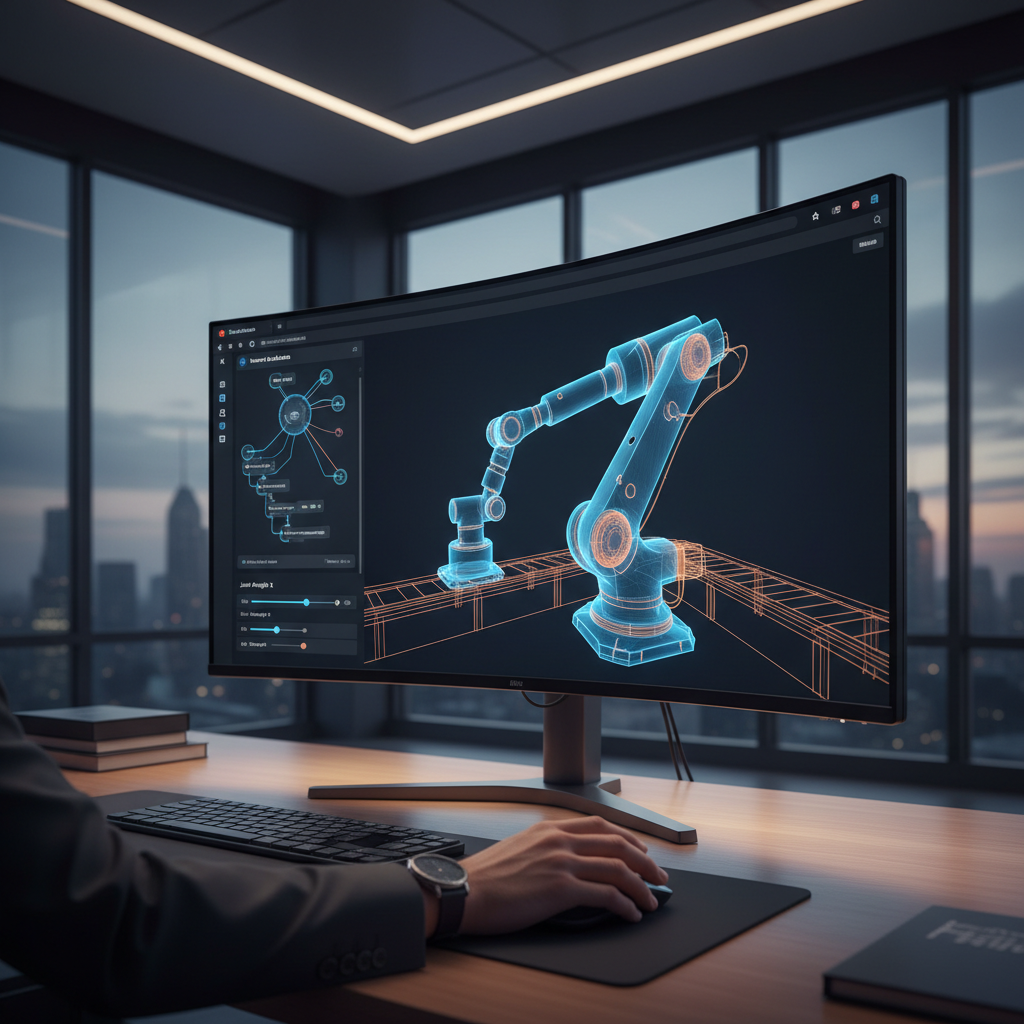
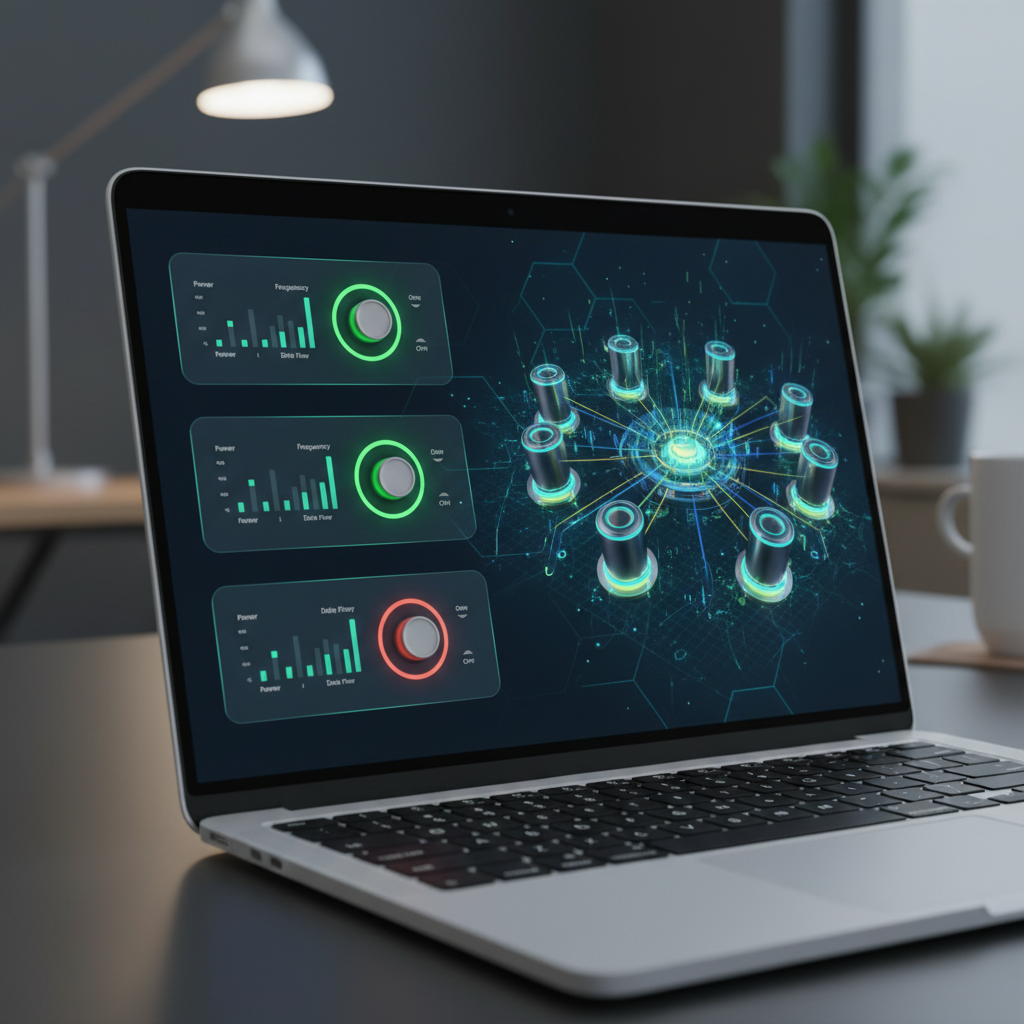
This hands-on methodology represents a massive leap forward. By utilizing modern WebAssembly and WebGPU capabilities, the tutorial allows heavy, localized AI models to run client-side. Learners can simulate robotic sensors, adjust parameters, and watch the "physical" AI react to changing environments in real-time, all within a safe, sandboxed browser tab.
A Real-World Adoption Case Study
To understand the impact of this interactive educational model, we can look at its immediate adoption by non-technical project managers in the industrial sector. Earlier this week, a mid-sized logistics firm in the Midwest piloted the browser-based RoboGuard tutorial to upskill its warehouse supervisors. The goal was not to turn these supervisors into software developers, but to give them a practical understanding of how the new automated sorting robots functioned, how they perceived obstacles, and how they made autonomous decisions on the floor.
Because the five-part course relies entirely on interactive sliders, visual feedback loops, and live browser execution, the supervisors were able to grasp complex concepts like sensor fusion and spatial mapping within hours. They could intentionally introduce errors into the simulation—such as obstructing a virtual robot's camera feed—and observe how the AI compensated for the loss of data. This direct, experiential learning fundamentally shifted their relationship with the technology from fearful skepticism to informed management.
Democratizing Complex AI Systems
The success of interactive, browser-based tutorials extends far beyond warehouse robotics. As AI systems become more autonomous and interconnected, the need for accessible education across all sectors is critical. Professionals in highly specialized, non-technical fields are leveraging similar zero-setup environments to understand industry-specific innovations.
For instance, agricultural consultants are increasingly tasked with overseeing complex networks of environmental sensors and autonomous drones. By utilizing interactive, browser-based modules, these farming professionals are learning the fundamentals of multi-agent AI deployment, enabling them to optimize crop yields without needing a computer science degree. The ability to simulate a greenhouse environment and watch AI agents collaboratively manage water and nutrient distribution in real-time demystifies the technology, making it an accessible tool rather than an intimidating black box.
The Psychological Benefit of "Live Execution"
Why is this specific format—no video, no slides, just live execution—so effective for beginners? Educational psychologists point to the concept of "immediate localized feedback." When a learner adjusts a parameter in a text-based coding tutorial, they often have to compile the code, wait for an output, and decipher an error message. In a live browser simulation, the feedback is instant and visual.
- Reduced Cognitive Load: By eliminating environment setup, learners focus entirely on the core AI concepts rather than troubleshooting installation errors.
- Safe Experimentation: A simulated physical environment allows users to "break" the AI without causing thousands of dollars in hardware damage.
- Intuitive Understanding: Visualizing how AI models "see" and "decide" builds an intuitive grasp of the technology that static text cannot replicate.
Bridging the Gap Across Industries
The push for practical, zero-setup AI explainers is rapidly becoming the industry standard across various disciplines. Healthcare administrators, for example, are utilizing similar interactive dashboards to comprehend how predictive models analyze patient data. By experimenting with simulated datasets in a controlled web environment, hospital staff are gaining crucial insights into the inner workings of medical imaging AI, ensuring they can trust and verify the diagnostic tools they rely on daily.
As we navigate late 2026, the mandate for tech education is clear: the era of learning AI exclusively through theoretical summaries and passive video content is over. By embedding powerful simulations directly into the browser, developers are finally giving non-technical professionals the hands-on experience they need to thrive in an increasingly automated world. The success of the interactive RoboGuard course proves that when you remove the technical friction, human curiosity and capability naturally follow.
Frequently asked questions
What is physical AI?
Physical AI refers to artificial intelligence systems that interact with the real world, such as robotics, autonomous vehicles, and smart sensor arrays that perceive and manipulate their physical environments.
Do I need programming experience to learn physical AI?
No. New browser-based educational tools launched in 2026 allow users to learn the fundamentals of physical AI through interactive visual interfaces, requiring zero prior coding experience.
How do browser-based AI tutorials work?
Browser-based tutorials utilize technologies like WebAssembly and WebGPU to run complex AI models directly within your web browser, eliminating the need to download software or set up complicated local coding environments.
Why is interactive learning better than video tutorials for AI?
Interactive learning provides immediate visual feedback. Instead of passively watching a concept, users can adjust parameters in real-time and instantly see how an AI model alters its decision-making process.
Join 45,000+ AI builders.
Three tools, two insights, one strategy — every Sunday. The signal cuts through the noise.
Free forever · unsubscribe anytime · no account required